Free & Private Batch Face Blur Editor
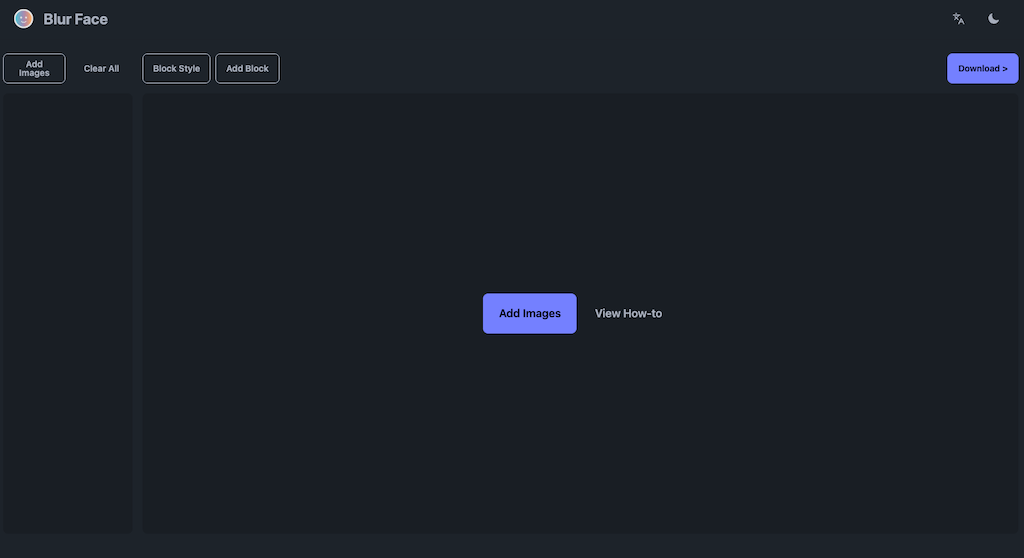
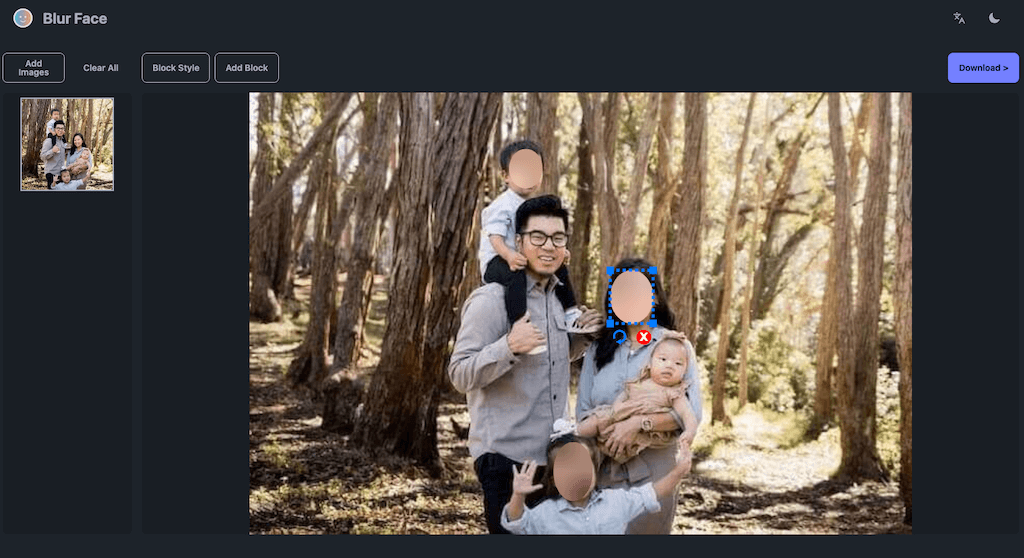
This is your 100% private, all-in-one photo anonymizer. Start by dragging and dropping your photos anywhere onto this page. Our tool automatically detects faces in all your images at once. Instantly apply custom blurs, pixelation, or fun stickers to hide faces and protect privacy. Your photos are never uploaded—all processing happens securely in your own browser. When you're done, choose download options and then download all your images in a single .zip file or download them individually.

How to use Blur-Face Editor?
A simple, fast, and secure process to protect privacy in your photos.
1. Add Your Photos
Click "Add Images" or drag and drop your photos to get started. The AI will automatically detect faces.

2. Customize Your Blur
Adjust the blur block. Use "Block Style" and "Add Block" to add custom stickers or shapes.

3. Download
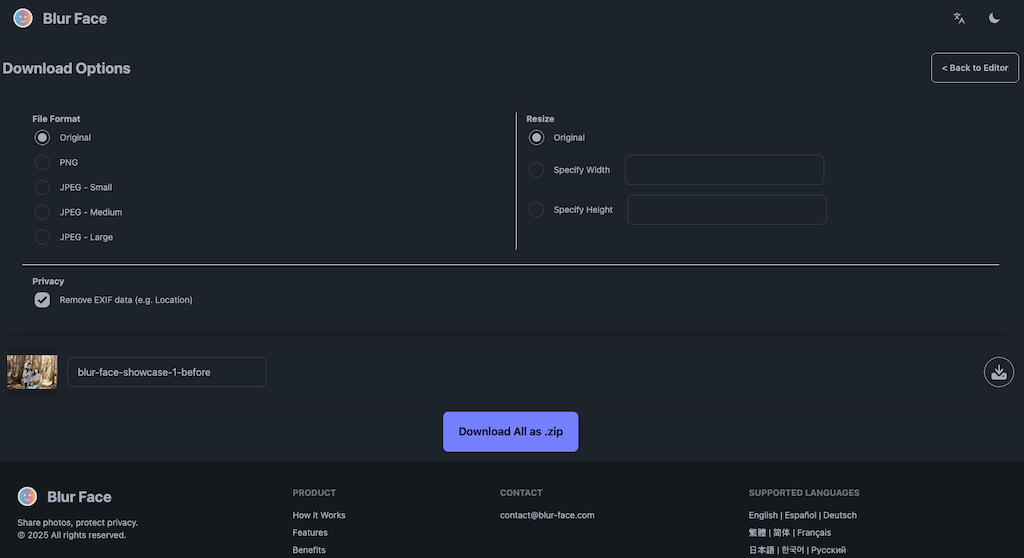
Click "Download" and choose your format and size options, then download your images individually or as a .zip file.