 Blur Face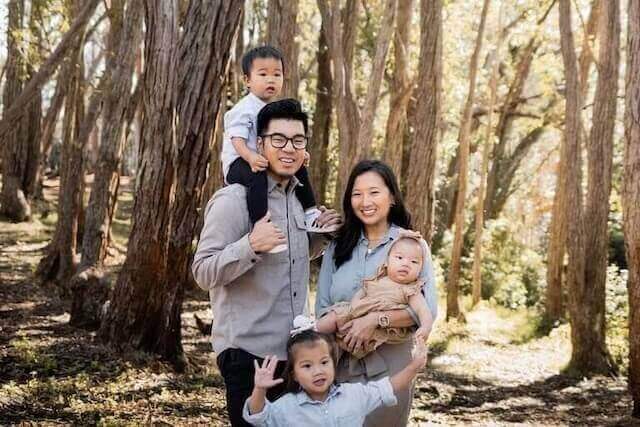
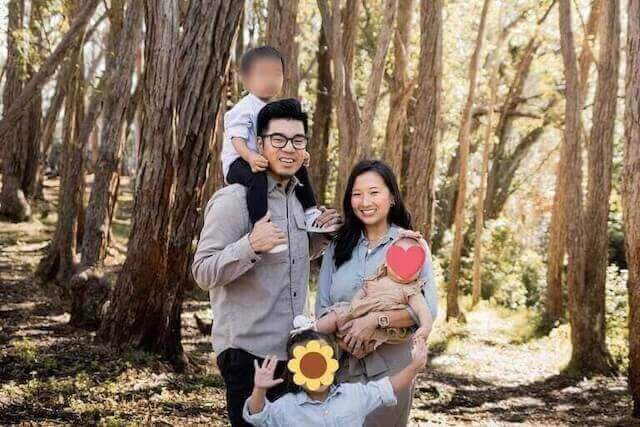
Share Your Photos,
Protect Your Privacy.
Our AI automatically finds and blurs faces in your photos. Securely protect yourself and others before sharing. All processing happens in your browser—your photos are never uploaded. 100% free, no sign-up, no watermarks.
Privacy in 3 Simple Steps
Our process is fast, simple, and secure. Your original photos are never stored.
1. Add Your Photo
Drag and drop or add an image from your device. It's processed instantly in your browser. Your photos are never uploaded!
2. AI Detects & Blurs
Our AI automatically detects all faces and applies a high-quality blur. You can also select faces manually.
3. Download Securely
Download your new, privacy-protected photo. Your original file is never saved on our servers.
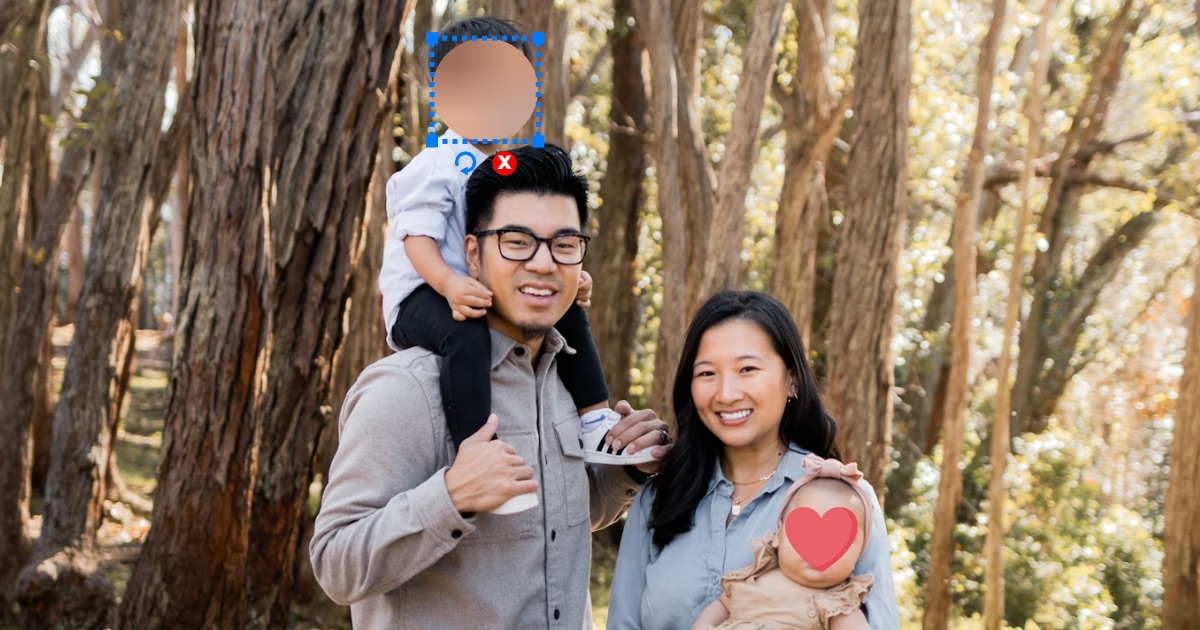
Full Control at Your Fingertips.
Don't settle for one-size-fits-all. Our tool gives you the flexibility to protect privacy on your terms.
Automatic Face Detection
Our smart AI finds faces with high accuracy, saving you time.
Manual Adjustments
Click to blur or un-blur specific faces that the AI finds.
On-Device Processing
Your photos never leave your computer. All processing is done locally in your browser.
Protect Your Privacy for FREE!
Our core features are 100% free! No credit card, no signup. Just instant privacy protection.
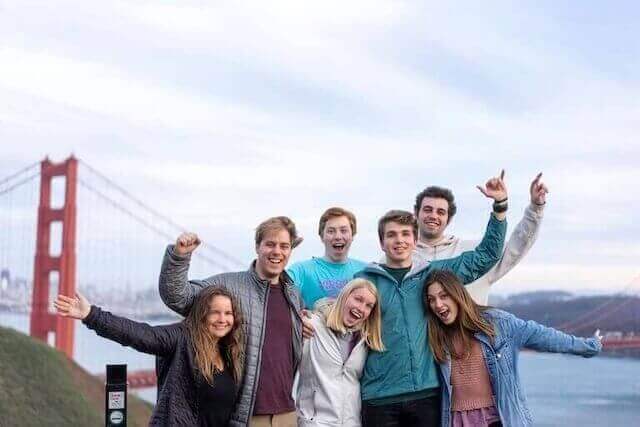
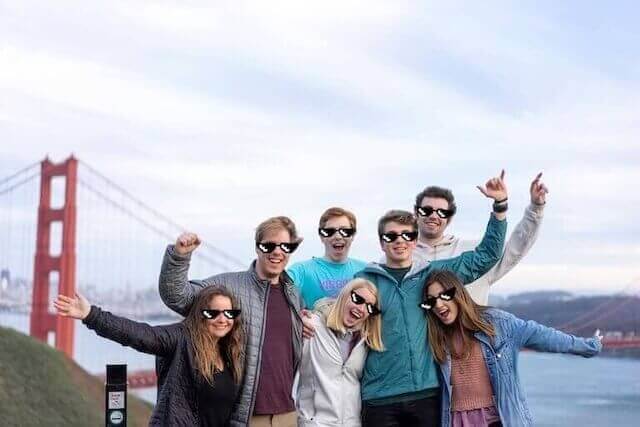
Full Control: Easily adjust the blur style, size, and position to perfectly cover faces in any photo.
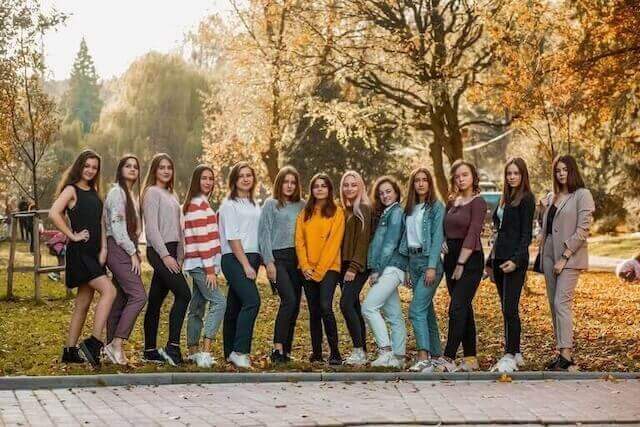
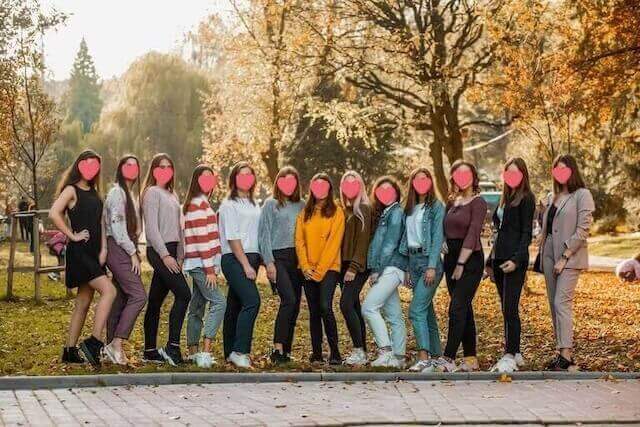
Instant Face Detection: Our AI automatically detects all faces in seconds, saving you from manual selection.
Frequently Asked Questions
Have questions? We've got answers. Find quick solutions to common queries about our face blurring tool.
How do I blur a face in a photo?
The easiest way is to use an online tool like ours. Simply Add your photo, and our AI will automatically detect the faces. You can then select which faces to blur, choose your blur style (like pixelation or a sticker), and download the new image instantly.
Can I blur faces in my photos for free?
Yes, you can blur faces for free! Our tool lets you process photos one by one at no cost. It's truly free—no watermarks and no sign-up required.
How can I automatically blur all faces in a picture?
Our tool is designed for this. When you add your images, our AI scanning automatically identifies all the faces. With a single click, you can apply an auto blur to every detected face, saving you the time of manually selecting each one.
Do I need to download a blur face app for my iPhone or Android?
No download is required! Our tool is a mobile friendly web app, which means it works directly in your phone's browser (like Chrome or Safari). You get all the features of a native app without using any storage space on your device.
What is the best app to blur faces for privacy?
The best app to blur faces is one that respects your privacy. Unlike other apps, our tool processes your photos directly in your browser. Your original images are never uploaded to our servers, giving you complete control and privacy.
How can I quickly edit a photo to blur a face?
While you can use complex photo editing software, a specialized tool is much faster. Our blur face editor is designed for one purpose: to help you edit your photo and blur faces in just a few seconds.
What is an online blur face editor?
A blur face editor is a simple tool, like this website, that allows you to easily hide or obscure faces in your pictures. It's much faster and easier to use than a full-featured photo editor if you just need to protect someone's privacy.
How can I blur a face with a circle or pixelate it?
Our tool gives you multiple style options. After a face is detected, you can choose from standard blur, pixelation (mosaic), or a solid color circle or square to cover the face, giving you full control over the final look.
Is this app to blur faces in photos good for teachers or parents?
Absolutely. Our tool is ideal for protecting children's privacy. Parents can blur faces before sharing photos on social media, and teachers can use our batch processing feature to quickly blur all students in class photos before sharing them.
What is the fastest way to auto blur faces in 100 photos?
For the fastest results, use our tool's batch processing. You can upload all your photos at once—we have no limits. While the total speed depends on your computer, this method will save you hours of manual work.
Ready to Protect Your Privacy?
Try FaceBlur for free today and experience peace of mind when sharing. No signup required.
Protect My Privacy for Free Now